Terminal payment setup
What you will learn
Section titled “What you will learn”Connect a payment terminal so Cashier can take card payments (Card payment).
User checklist
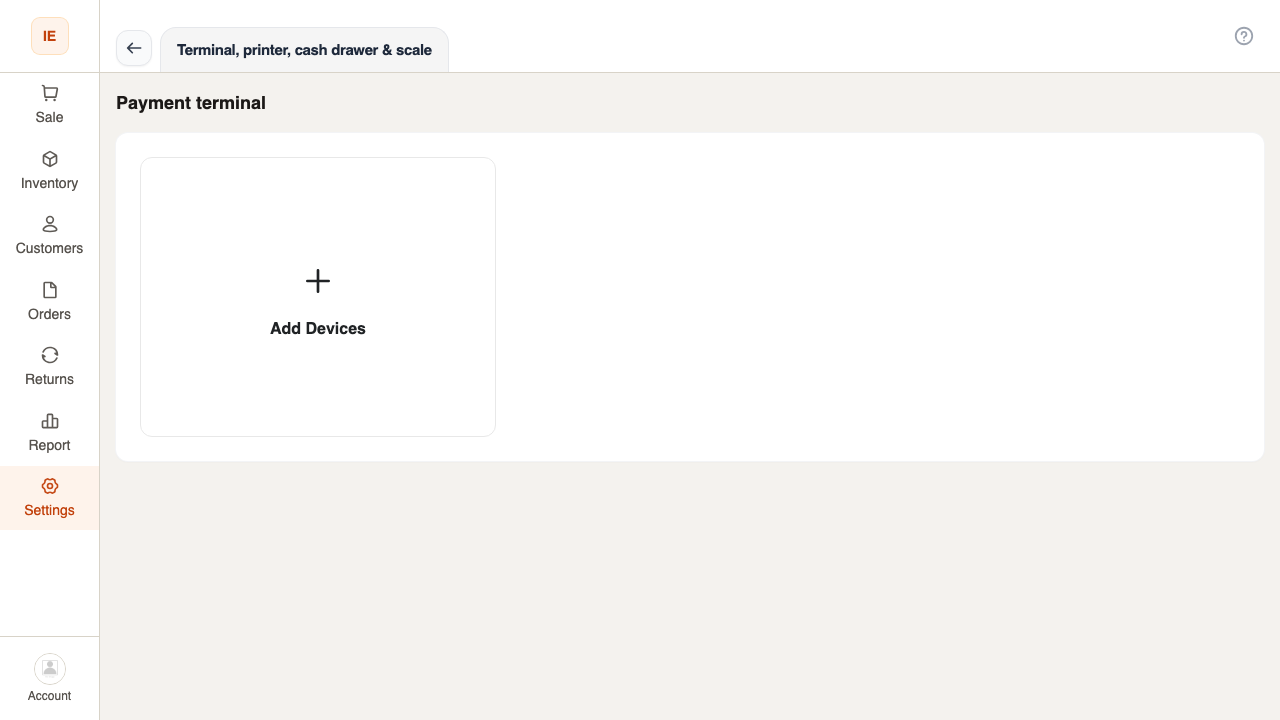
Section titled “User checklist”- Owner configures device in Dashboard → Settings → Devices (or Cashier Settings → Terminal).
- Assign terminal to store and lane as required.
- Vendor Desktop on lane must run for bridge/ECR (browser can poll status but terminal often needs desktop relay).
- Test $0.01 or voidable sale in training mode.
Two-hop model (simplified)
Section titled “Two-hop model (simplified)”flowchart LR UI[Cashier UI] --> API[LionPOS API] API --> Bridge[Desktop bridge WebSocket] Bridge --> Term[Terminal LAN or WS]