Barcode and shelf labels
What you will learn
Section titled “What you will learn”Print shelf / scan labels from the POS workspace.
Before you start
Section titled “Before you start”- Access via Settings hub → Barcode labels, or
/point-of-sale/barcode. - Label printer on the lane PC (recommended); system print dialog for quick tests on desktop.
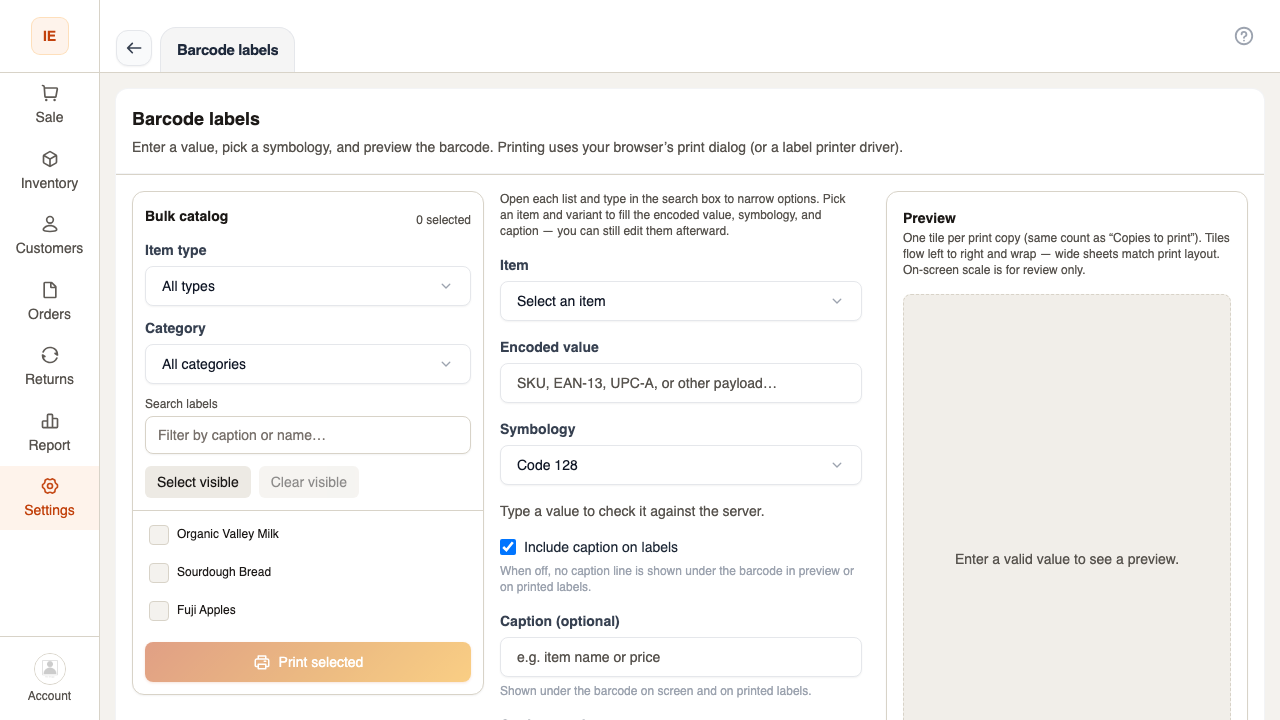
- Open Barcode labels.
- Add products or scan to label list.
- Preview grid layout (multiple labels per row on wide paper).
- Print — configured label printer or system dialog on Vendor Desktop (Label printer).
Validation
Section titled “Validation”Server checks symbology via GET /vendor/point-of-sale/barcode/validate — invalid codes show errors before print.