Reset local data (desktop)
What you will learn
Section titled “What you will learn”Safely reset local POS data on Electron when cache is stale or after training.
Before you start
Section titled “Before you start”- Vendor Desktop only — not available in browser-only Cashier.
- Prefer off-peak; ensure outbox synced if possible.
- Settings → Local data.
- Review what will be cleared (catalog cache; optional outbox).
- Confirm — app creates backup under user data folder.
- Wait for re-hydration from server when online.
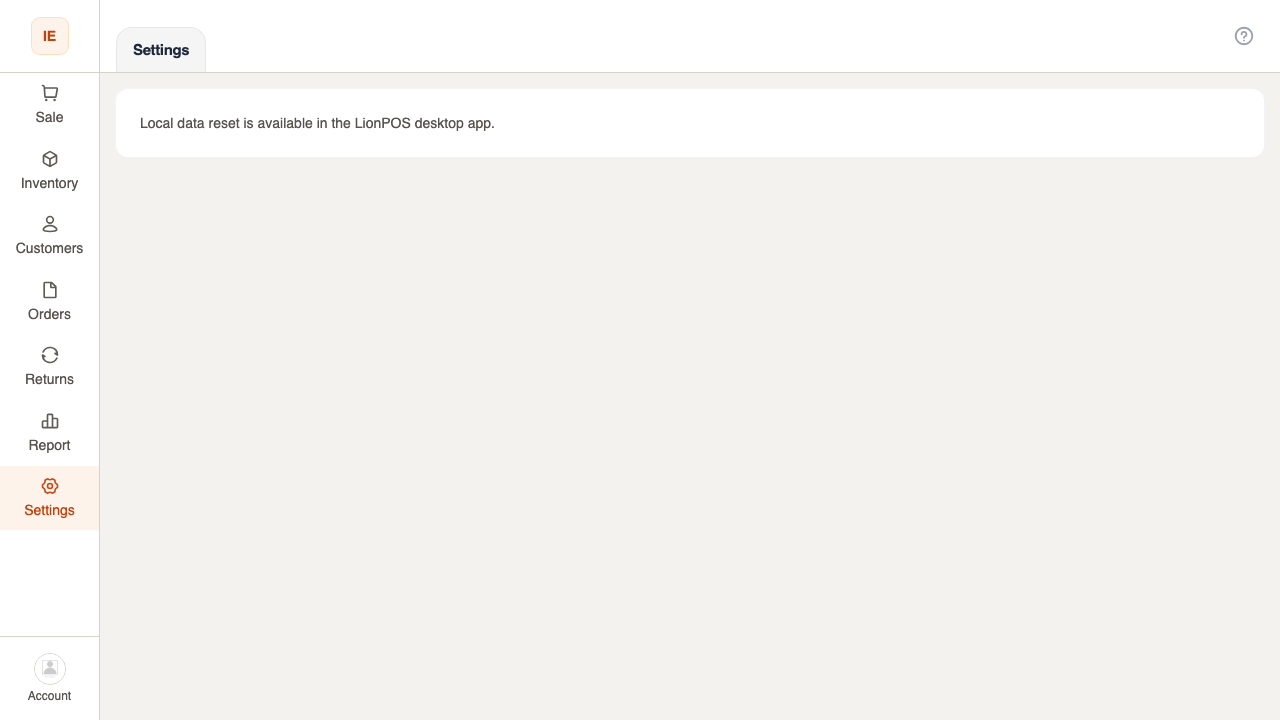
Expected result
Section titled “Expected result”Fresh catalog from server; outbox cleared if selected.