Orders at the lane
What you will learn
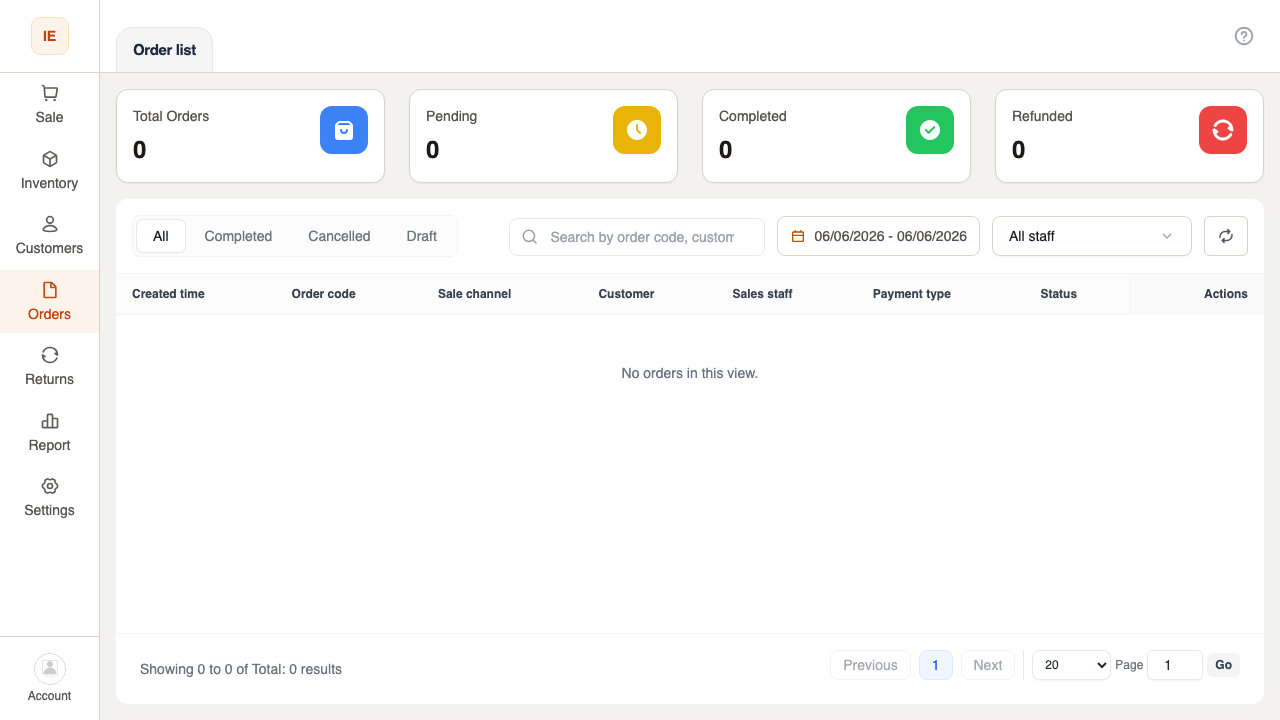
Section titled “What you will learn”Search and open orders placed at the store from /point-of-sale/orders.
Before you start
Section titled “Before you start”posororderread.- Correct store selected.
- Open Orders in Cashier navigation.
- Use search / filters (date, status) as available.
- Click a row for summary or receipt actions (per UI).
- For full dashboard detail, owners may use
/dashboard/orders/:id.
Expected result
Section titled “Expected result”Cashier can verify a recent sale, reprint receipt, or answer customer questions at the lane.