POS reports
What you will learn
Section titled “What you will learn”View sales reports scoped to the selected store (and filters) from Cashier.
Before you start
Section titled “Before you start”pos,finance, ororderread.- Store timezone affects date buckets — see Finance (Vendor).
- Open Report (
/point-of-sale/report). - Choose date preset or custom range.
- Review totals, tenders, or breakdowns offered on screen.
- Optional: Revenue by product →
/point-of-sale/report/revenue-by-product.
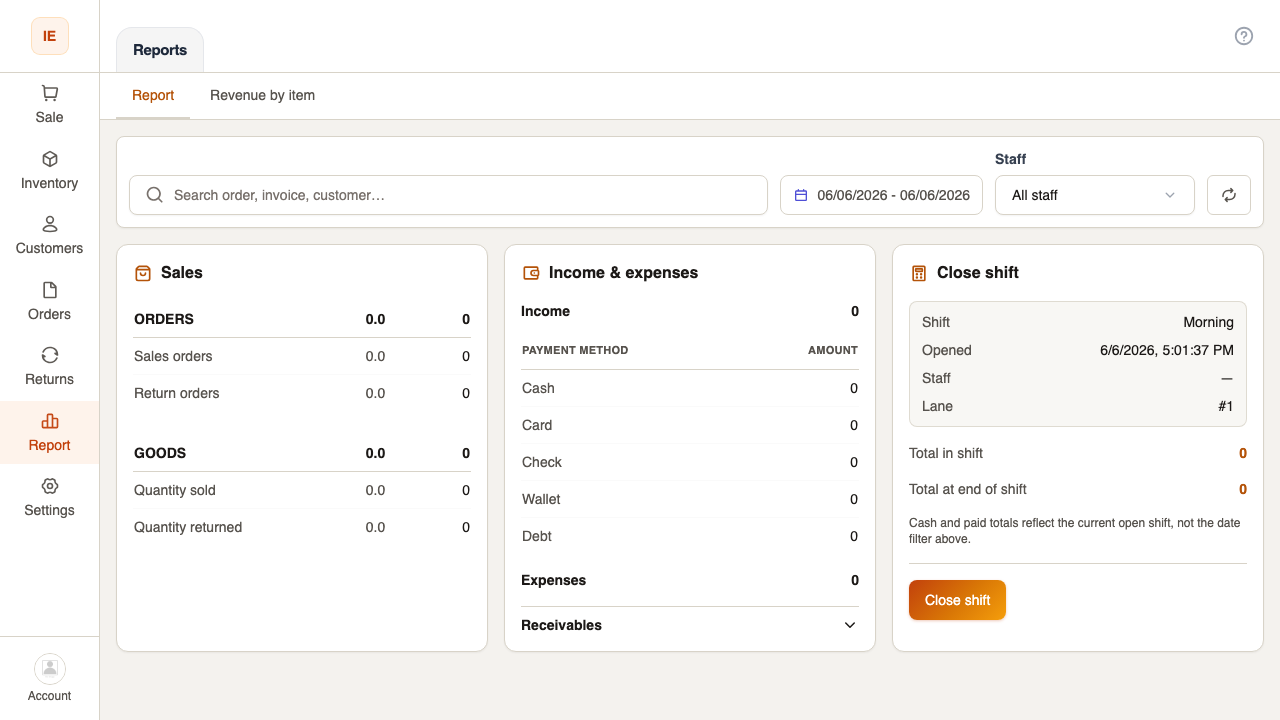
Expected result
Section titled “Expected result”Figures match store calendar in dashboard_prefs.timezone when timezone is sent to API.